Which controller do I have?
Check the model printed on the controller rather than choosing by its colour or the console you use it with. Modified shells can change how it looks.
Look on the rear label or inside a removable battery compartment, where fitted. You do not need to unscrew the controller. If the label is missing or unclear, send photos and let DriftFix check.
Xbox controllers
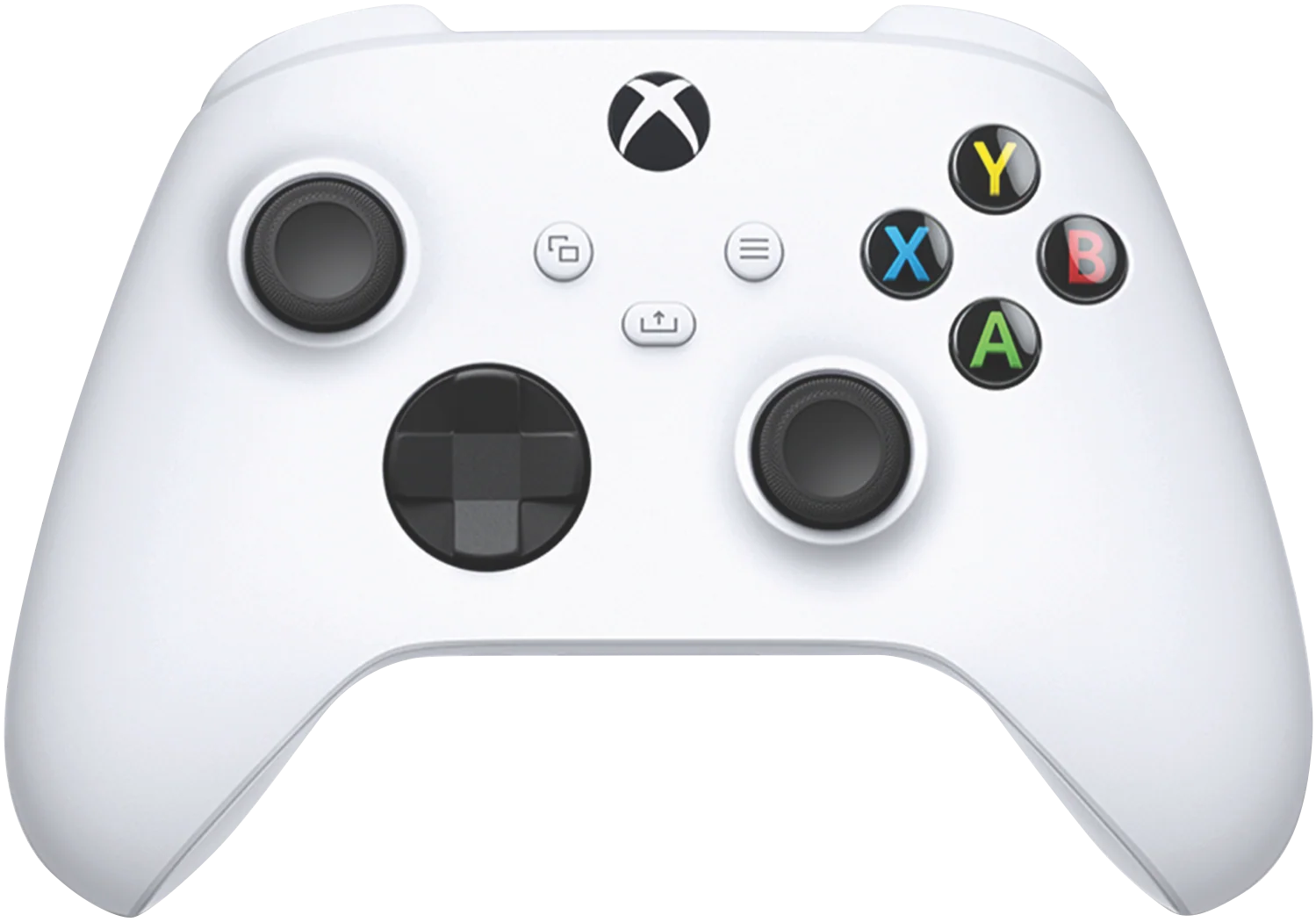
This photo is a front reference, not a model-label guide. Check the number on your own controller before choosing:
- Xbox Series — model 1914
- Xbox One — model 1697
- Xbox One — model 1708
- Xbox Elite Series 1
- Xbox Elite Series 2 / Core
Elite Series 1 and Series 2 parts must not be assumed interchangeable.
PlayStation controllers
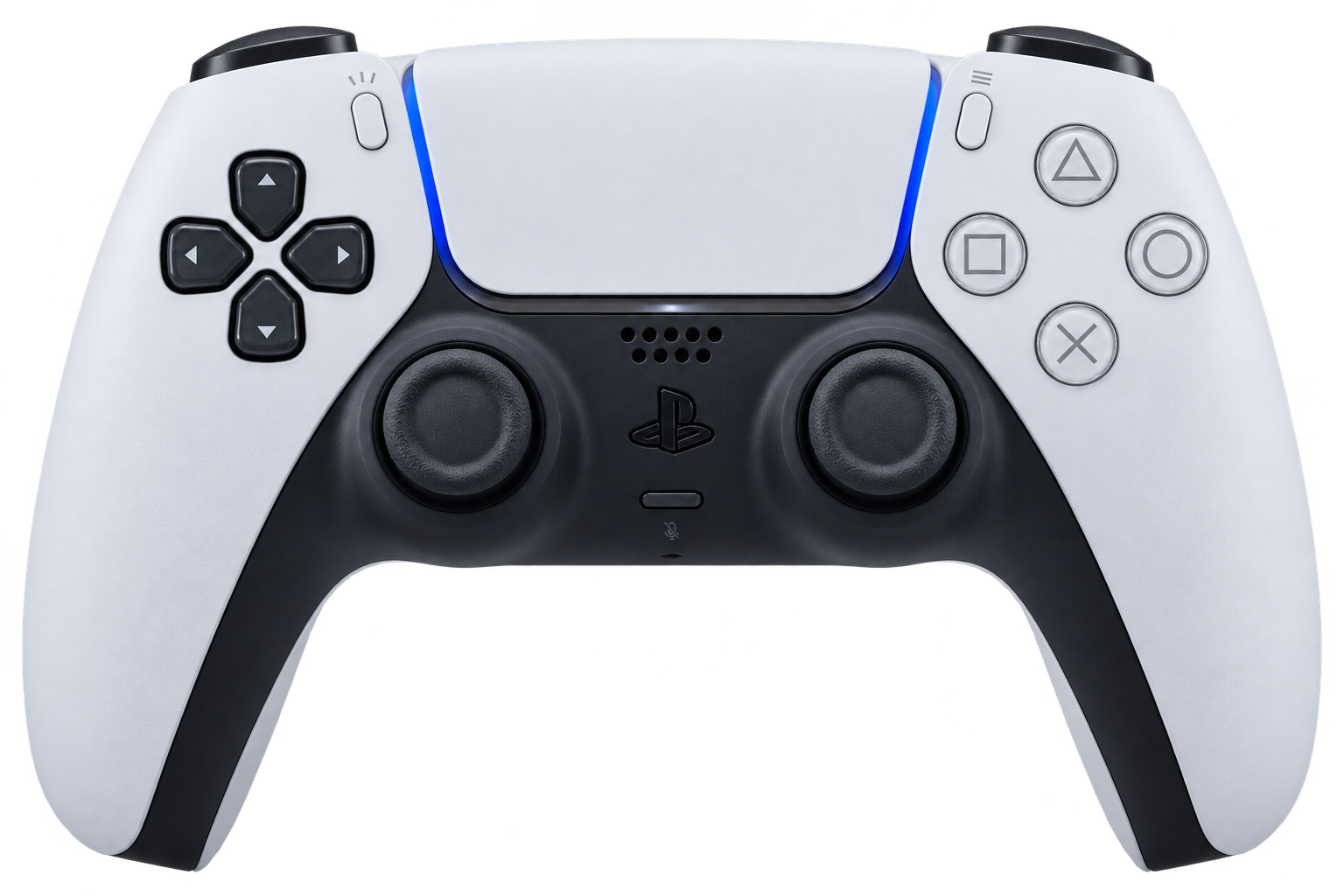
Find the printed model number on the back. A standard DualSense and a DualSense Edge use different parts. The outside label does not confirm every internal part revision.
Standard PS5 DualSense builder · DualSense Edge builder · PlayStation Portal builder
PlayStation’s model-label help
For PS4 or a third-party controller, ask for a quote with photos.
Nintendo controllers
Check whether you have a Switch Pro Controller, a Switch 2 Pro Controller, Joy-Con or a third-party controller. Colour alone is not enough to identify it.
Switch Pro builder · Switch 2 Pro builder
For Joy-Con, third-party controllers or an unclear label, send a photo for help.
ROG Ally handhelds
Check the full model on the device label. Select the matching model in the upgrade builder; similar-looking devices can use different modules.
Still not sure? Send these photos
- The whole front of your controller.
- The back and readable model label.
- The damaged part or area, if you can see it without opening the casing.
Keep unrelated personal details out of the photos. Leave the controller set to “Not sure” and describe the problem in the quote form. DriftFix can then check the model and suitable parts.
Ask DriftFix to identify my controller · Browse real fitted examples